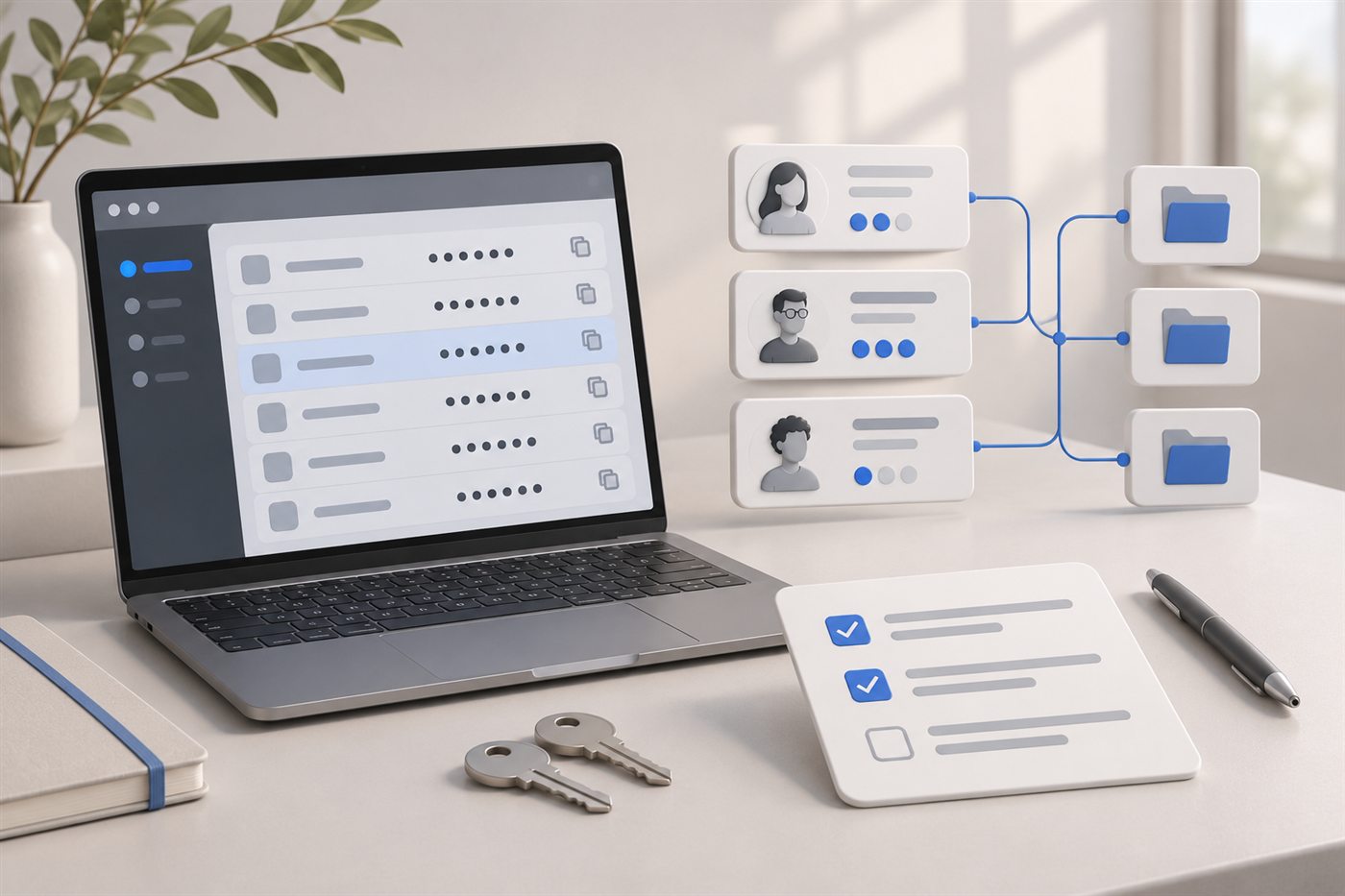
A shared account with no clear owner, a password kept in an old file, access left open after someone leaves: these situations make teamwork harder, particularly when an incident occurs. Keeper’s announcement on 18 November 2026 highlights the value of preparing access management before urgent action becomes necessary.
What Keeper has announced
In its official announcement of 18 November, Keeper introduces a global emergency breach response service for organisations experiencing an active cyberattack. It provides a route to technical assistance for deploying its platform and strengthening access controls. This is the vendor’s service: the announcement does not mean it is included in every Keeper licence or MYCIO engagement.
For a small business, the news raises a practical question: could you locate essential access details and the people responsible if your main email account became unavailable? You can prepare an answer gradually, before a crisis develops.
Start with the accounts that keep your business working
We recommend making a short list of essential services: email, business applications, banking, domain registration, backups and network administration. For each one, identify an owner, authorised users and the planned recovery method. This list describes responsibilities; it should not become another document containing every secret in plain text.
Then identify dependencies. A recovery code available only through a locked email account will not solve the problem. Plan protected emergency access and a procedure known to the relevant people. Review it with your IT provider, without disabling multifactor authentication to save time.
Share access while retaining control
The official Keeper Business overview describes encrypted vaults, secure credential sharing and user administration. These tools help organise team access instead of multiplying copies in messages or spreadsheets. The precise capabilities depend on the plan and options selected.
Configuration deserves as much attention as the tool itself: who can view, edit or reshare an account’s details? Who reviews the list when a person changes roles? For an external provider, define the scope and a review date. When someone leaves, remove the relevant permissions and consider credentials that might have been copied. Removing a share does not erase a copy already made.
Turn these rules into simple habits
Start with a small group and a few services. Explain how to save credentials, find the right access details and request permission. Appoint someone to answer questions and document exceptions. Regularly reviewing unused accounts helps keep responsibilities clear.
A password manager complements other safeguards: updates, endpoint protection, backups and caution over unexpected requests. It cannot, by itself, guarantee that a compromise will never occur. If in doubt, contact your usual IT support through a familiar channel, without sending a password or verification code.
Keeper and support from MYCIO
MYCIO sells and supplies Keeper and can help you choose a plan, set it up and organise how your team uses it. Our cybersecurity services help connect password management with your wider protection needs.
Would you like to replace password files or clarify shared access? Contact MYCIO to discuss your requirements or request a quote. Your team size, existing tools and desired sharing rules will help shape a suitable proposal.