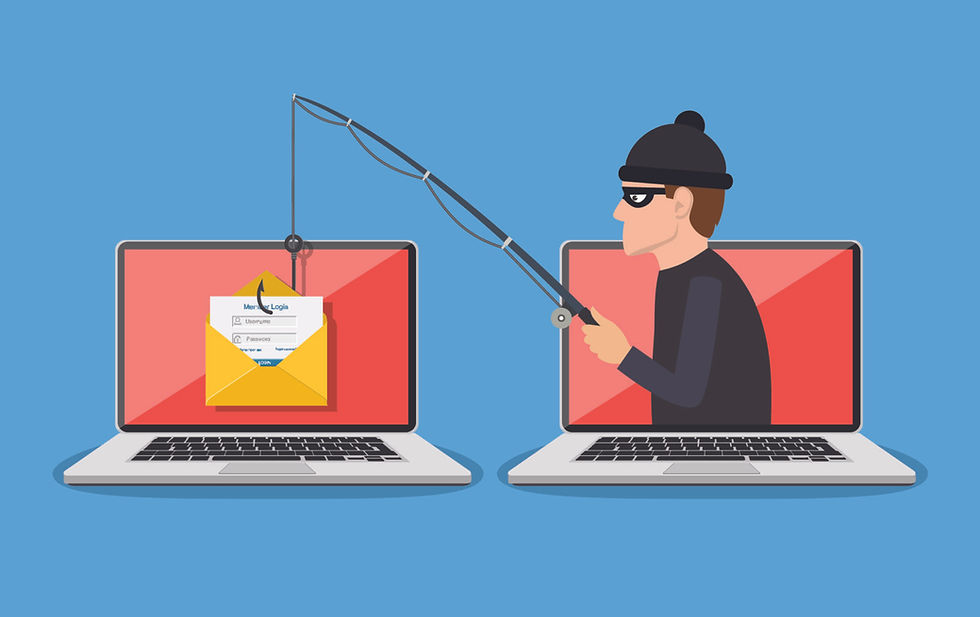
Fraudulent emails, also known as phishing spam, are becoming increasingly sophisticated. Their goal is almost always the same: to trick you into clicking a link, opening an attachment, or providing sensitive information (passwords, banking details, personal data).
This article helps you understand what to look out for and how to react if you are in doubt.
What is a phishing email?
Phishing is a fraudulent technique that involves impersonating a trusted entity (a bank, IT provider, delivery service, colleague, management, etc.) to deceive you.
These emails can look legitimate:
Credible logos and signatures
Urgent or alarming tone
References to services you actually use
But behind this appearance lies an attempted attack.
Warning signs to watch for
Here are the most common things to check before taking any action:
1. A sense of urgency
Phishing emails often play on fear or pressure:
"Your account will be locked"
"Immediate action required"
"Payment pending"
⚠️ A very common case: CEO fraud
It is common for an employee to receive an email appearing to come from management (CEO, CFO, manager) requesting an urgent and confidential wire transfer.
This type of attack is well-known and widely used by cybercriminals. The email may look credible, use the right tone, and even include internal signatures, but it is a fraud attempt.
No request for a wire transfer or urgent financial action should be carried out based solely on an email.
2. The sender's address
Check the domain name carefully
Beware of addresses that are similar but slightly different (e.g., @micorsoft.com instead of @microsoft.com)
The displayed address may look correct, but the actual address is not always so.
3. Links and buttons
Before clicking:
Hover your mouse over the link
Verify that the URL matches the official website.
A shortened or strange-looking link is a red flag.
4. Unexpected attachments
Unsolicited ZIP, PDF, Word, or Excel files
Invoices or documents you weren't expecting
Even a simple file can contain malware.
5. Errors or inconsistencies
Although increasingly rare, some attempts contain:
Grammatical errors
Poor translations
A tone that is unusual for the supposed sender
What should you do if you're in doubt?
Do not click. Do not reply. Do not download anything.
When in doubt, always use a different communication channel.
If the email appears to come from a known person or partner, call them directly by phone (using a number you already know) to confirm the request.
Never reply directly to the suspicious email.
MYCIO clients: a human analysis service for you and your employees.
As a MYCIO client, you benefit from a simple and efficient service.
If you or one of your colleagues receives a suspicious email, you can forward it directly to the following address:
How does it work?
Our teams analyze the email manually and personally
We check the links, the sender, the headers, and the context
We confirm whether the email is legitimate or fraudulent
Response times
Maximum: 4 business hours
In practice: response usually in under 5 minutes
This service allows you to make decisions with confidence, without stress or unnecessary risk.
In summary
✔ Be wary of urgent or alarming messages
✔ Always check the sender and the links
✔ Never open an unexpected attachment
✔ When in doubt, request an analysis
Cybersecurity starts with good habits, but it is even more effective when it is supported by experts.
MYCIO is here to help you every day.