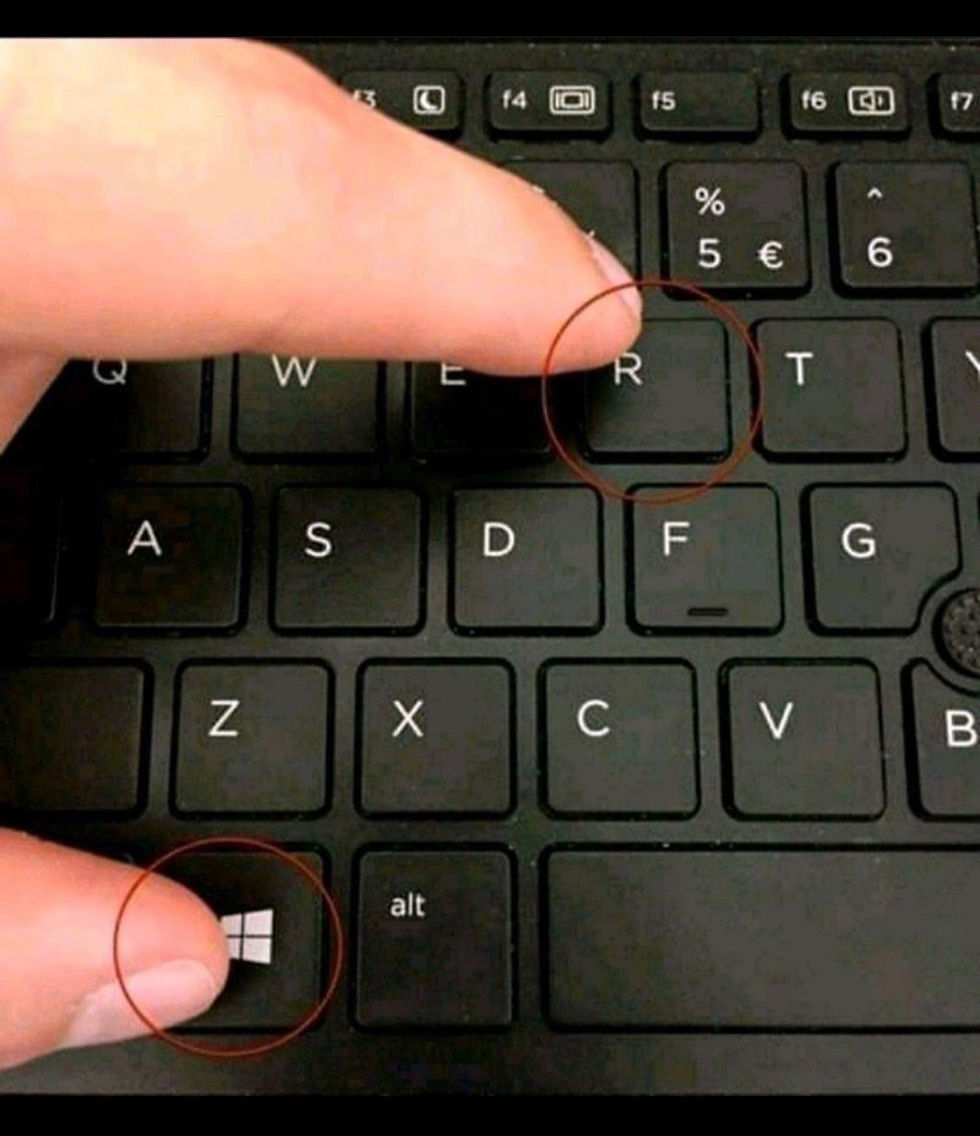
Keyboard shortcuts are a great way to save time. Here is a summary for Mac.
Command + A - Select All
Command + B - Bold
Command + C - Copy
Command + D - Fill
Command + F - Find
Command + G - Find next occurrence of text
Command + H - Hide
Command + I - Italic
Command + K - Insert hyperlink
Command + N - New workbook
Command + O - Open
Command + P - Print
Command + S - Save
Command + T - Open new tab
Command + U - Underline
Command + V - Paste
Command + W - Close
Command + X - Cut
Command + Y - Redo
Command + Z - Undo
Here is a summary for a PC.
Ctrl + A - Select All
Ctrl + B - Bold
Ctrl + C - Copy
Ctrl + D - Fill
Ctrl + F - Find
Ctrl + G - Find Next
Ctrl + H - Replace
Ctrl + I - Italic
Ctrl + K - Insert Hyperlink
Ctrl + N - New Workbook
Ctrl + O - Open
Ctrl + P - Print
Ctrl + S - Save
Ctrl + U - Underline
Ctrl + V - Paste
Ctrl + W - Close
Ctrl + X - Cut
Ctrl + Y - Redo
Ctrl + Z - Undo